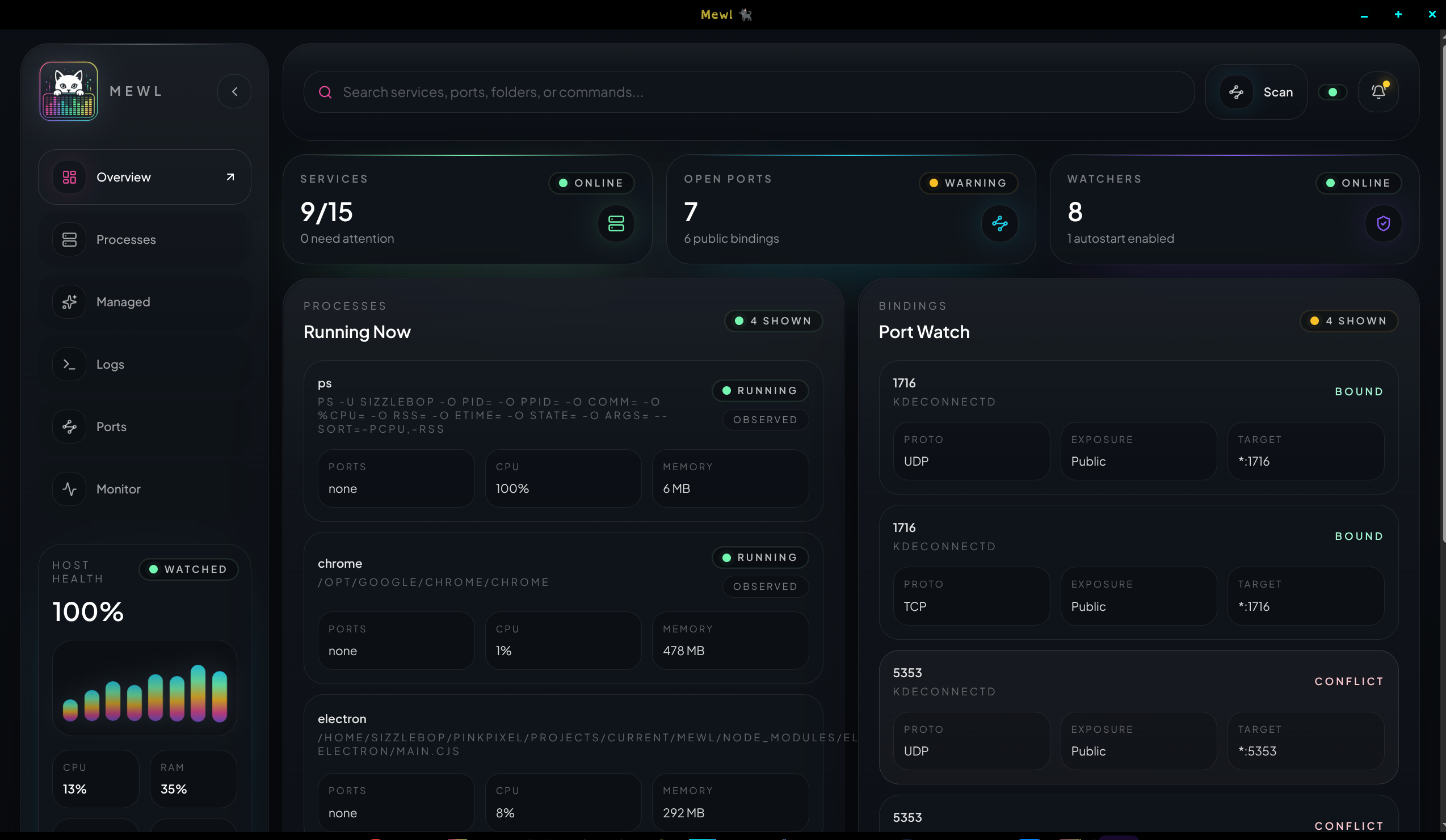
What is Mewl?
What Mewl does
Section titled “What Mewl does”Mewl is a local operations desktop app for people who run several services, workers, scripts, or containers on one machine and want a clearer control surface than a pile of terminals.
Instead of treating everything as one flat list, Mewl separates:
- what is currently running on the host
- what you want Mewl to manage intentionally
- what ports are active or in conflict
- what the host is doing over time
- what the runtime and services have been logging
That makes it useful for development environments, sidecar tools, local infrastructure, worker processes, and personal service stacks where you want visibility without building a full deployment platform.
The core model
Section titled “The core model”Observed
Section titled “Observed”The Processes workspace is for the live host reality. It shows what is running now, whether Mewl launched it or not.
Use it when you want to:
- inspect a running process
- review ports and resource usage
- check recent output tails
- turn a useful live process into a managed-service draft
- kill a live pid without changing your saved service catalog
Managed
Section titled “Managed”The Managed workspace is the control plane for services you want Mewl to own on purpose.
Use it when you want to:
- save a service definition
- start, stop, or restart a service
- add notes, icons, and colors
- opt into autostart or watched ports
- define stop and restart behavior that matches the real command
Why the split matters
Section titled “Why the split matters”This split keeps Mewl honest.
Plenty of local tools blur together “I can see this process” and “I know how to relaunch this process correctly.” Mewl treats those as different claims. That helps avoid accidental ownership, messy inferred configs, and confusing helper-process duplication.
What Mewl is not
Section titled “What Mewl is not”Mewl is not trying to be:
- a remote production orchestrator
- a hosted monitoring platform
- a Kubernetes replacement
- a general Linux process supervisor for every system process
It is a Linux-first local desktop tool for operating the services and runtimes you care about on your own machine.