

Mewl docs for the live desktop workflow
Run local services, inspect live processes, watch ports, and follow diagnostics through a docs site styled to feel like the app itself.
Why Mewl
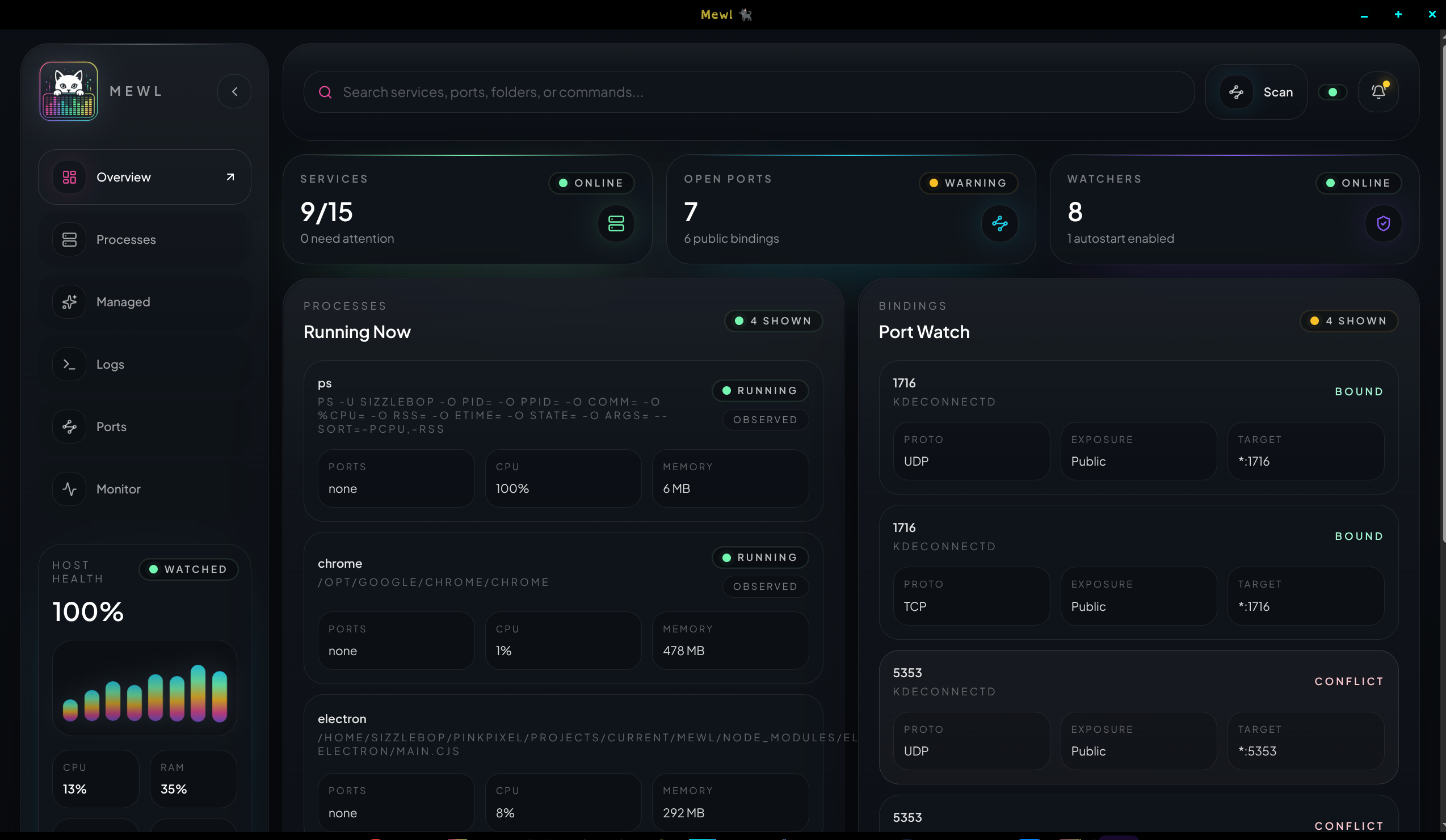
Section titled “Why Mewl”Mewl gives Pink Pixel’s local-ops workflow one focused desktop surface for process visibility, managed-service control, watched ports, automation history, and a live diagnostics stream.
What you can do here
Section titled “What you can do here”- Launch the desktop shell against the Electron runtime bridge.
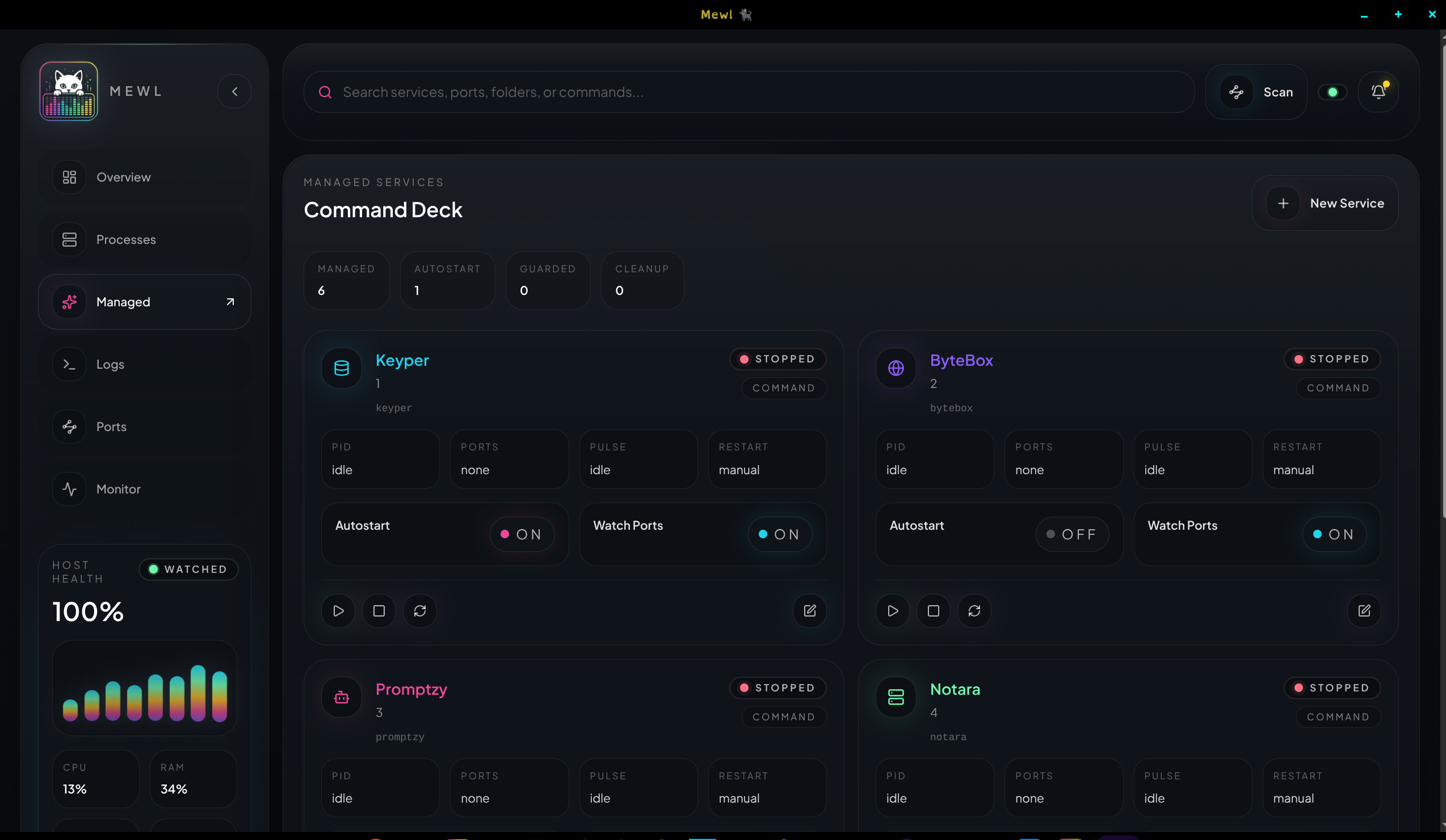
- Create and edit managed services for commands, scripts, and Docker-backed flows.
- Review unified diagnostics across Mewl internals, processes, containers, and Linux system logs.
- Understand where runtime state lives and how Mewl’s per-user config file behaves.
Product shape
Section titled “Product shape”Mewl intentionally splits runtime thinking into two lanes:
Observedis for what is running right now on the host.Managedis for what Mewl should know how to start, stop, and restart on purpose.
That split keeps the app honest. The docs use the same model so setup, reference, and operational guides map directly to the actual UI.
Start with these pages
Section titled “Start with these pages”- Install and run Mewl to boot the docs and desktop shell locally.
- Desktop workflow for the day-to-day model of Observed, Managed, Logs, Ports, and Monitor.
- Managed services guide for launch definitions, restart policy, and runtime ownership.
- Config file reference for
mewl.services.jsonstructure and storage paths.